Modular
Handle base, wall and tall cabinet scenarios within one consistent visual system.
MakraCab brings recurring steps such as base cabinets, wall cabinets, tall units, placement, doors, openings and countertops into one structured workflow inside Blender.
MakraCab organizes the repetitive production steps of a kitchen or cabinet scene into a clearer sequence. Place, build the module, choose the variation, add details and complete the composition.
Handle base, wall and tall cabinet scenarios within one consistent visual system.
Bring modules into the scene, position them and keep building without breaking the flow.
Manage doors, openings, refrigerator surrounds and countertops as connected finishing steps.
Spend less time on repetitive technical operations and more time on design decisions.
We brought the flows shown in MakraCab’s demos together on a single production line — from placing the first module to finishing details.
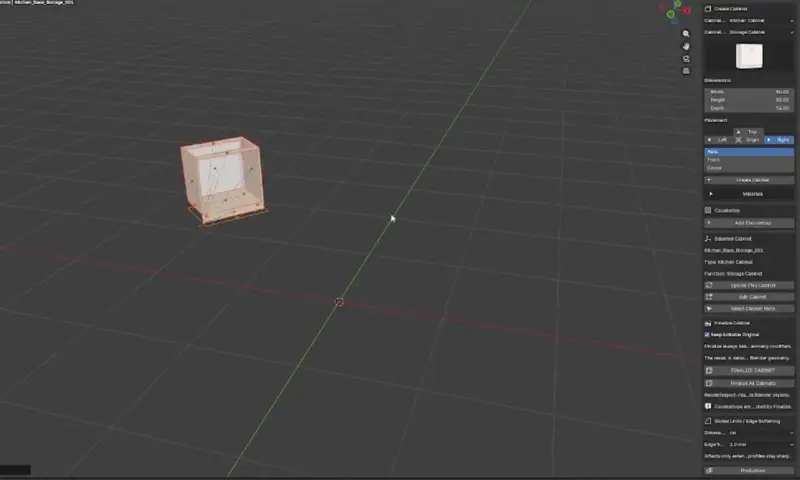
Add the first module to the scene and define the starting point.
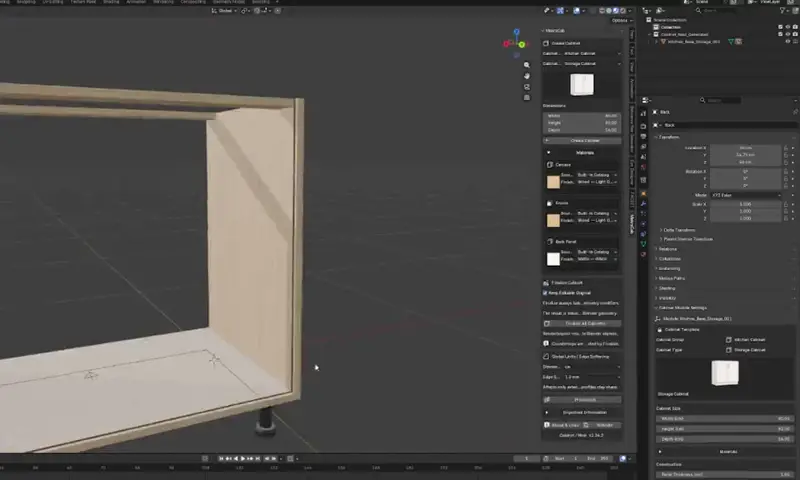
Create the base cabinet structure quickly and shape the main form.
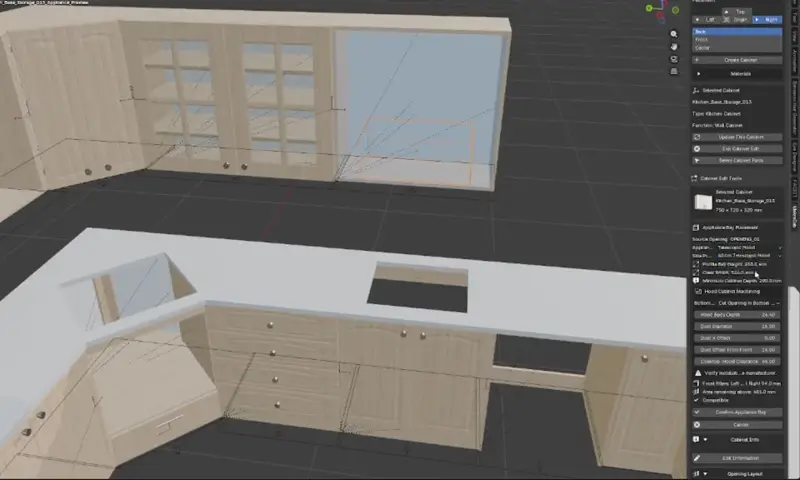
Expand the composition with wall and tall cabinet workflows.
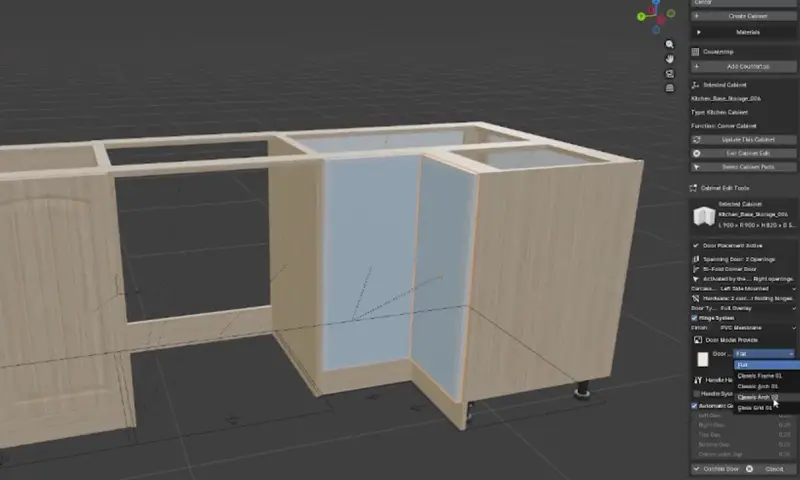
Apply doors, bi-fold systems and refrigerator modules to the project.
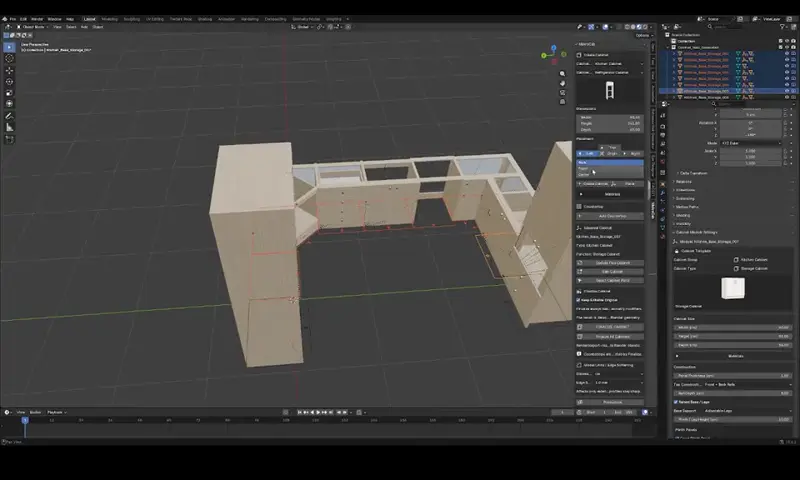
Complete the kitchen composition with openings and countertop steps.
Open the toggle cards to explore the core working areas highlighted in the MakraCab demo videos.
Base, wall and tall cabinet examples are treated as complementary production scenarios within the same interface logic.
Placement clips demonstrate a more controlled scene-building process that starts with one module and grows into a complete kitchen layout.
Bi-fold doors, refrigerator builds and different front applications are shown as separate use cases across the demo videos.
Countertop / stone and opening workflows bring the finishing steps that follow cabinet production into one product experience.
The 13 demo videos are optimized for the web. Gallery videos load only when opened and play in a large modal.
For designers who want a more structured and repeatable workflow for cabinet compositions.
For teams that want to turn planning decisions into three-dimensional cabinet compositions faster.
For artists who want to reduce modeling repetition and spend more time on materials, lighting and presentation.
For users looking for a more guided, productized cabinet-building experience inside Blender.
The toggle interface is touch-friendly and works smoothly on mobile devices as well.
MakraCab is a Makrakanta add-on experience designed to organize repetitive cabinet and kitchen modeling steps into a more structured workflow inside Blender.
The current demo videos include base cabinets, wall cabinets, tall cabinets, refrigerator modules, bi-fold doors, openings and countertops across different use cases.
No. This product page renders with its own HTML, CSS and JavaScript and does not use the theme header or footer. This makes it possible to keep a consistent product language across Makrakanta Plug-ins pages.
No. In this version the videos are optimized MP4 files bundled with the plugin. Gallery videos load only when the user opens them, keeping the initial page load lighter.
Explore real MakraCab usage clips, understand the workflow, and experience a product page system designed to scale across the Makrakanta Plug-ins family.
Watch the videos again